pixie.codes pixie.codes
GS1 QR generator

GS1 QR code generator for real packaging and Sunrise 2027 rollout

Create branded, standards-aware GS1 QR Codes for real packaging with scan-safe controls, verification workflow, and resolver-aware handoff into Sunrise 2027 rollout execution.

Layer-aware branded GS1 QR creation with scan-safe variants Contrast, quiet-zone, and packaging checks stay visible Verification reports plus resolver-aware rollout handoff

What makes this a GS1 rollout tool instead of a generic QR tool

The value is not simply that you can render a QR image. It is that the generator sits inside a broader operational context: standards-aware payloads, rollout-safe design, and a resolver path that can survive packaging lead times.

Payload discipline

Generate QR codes from GTIN-centric product context

Build around the product identity and qualifiers you actually need instead of treating the QR as a disconnected destination sticker.

Design controls

Keep quiet zones, contrast, and packaging constraints visible

The generator is meant to support branded, production-safe output that still holds up after print, not isolated creative review with no scan evidence.

Operational bridge

Hand off cleanly into governance, analytics, and pilot evidence

That is the difference between a launch asset and a generic marketing QR export.

Live product capture
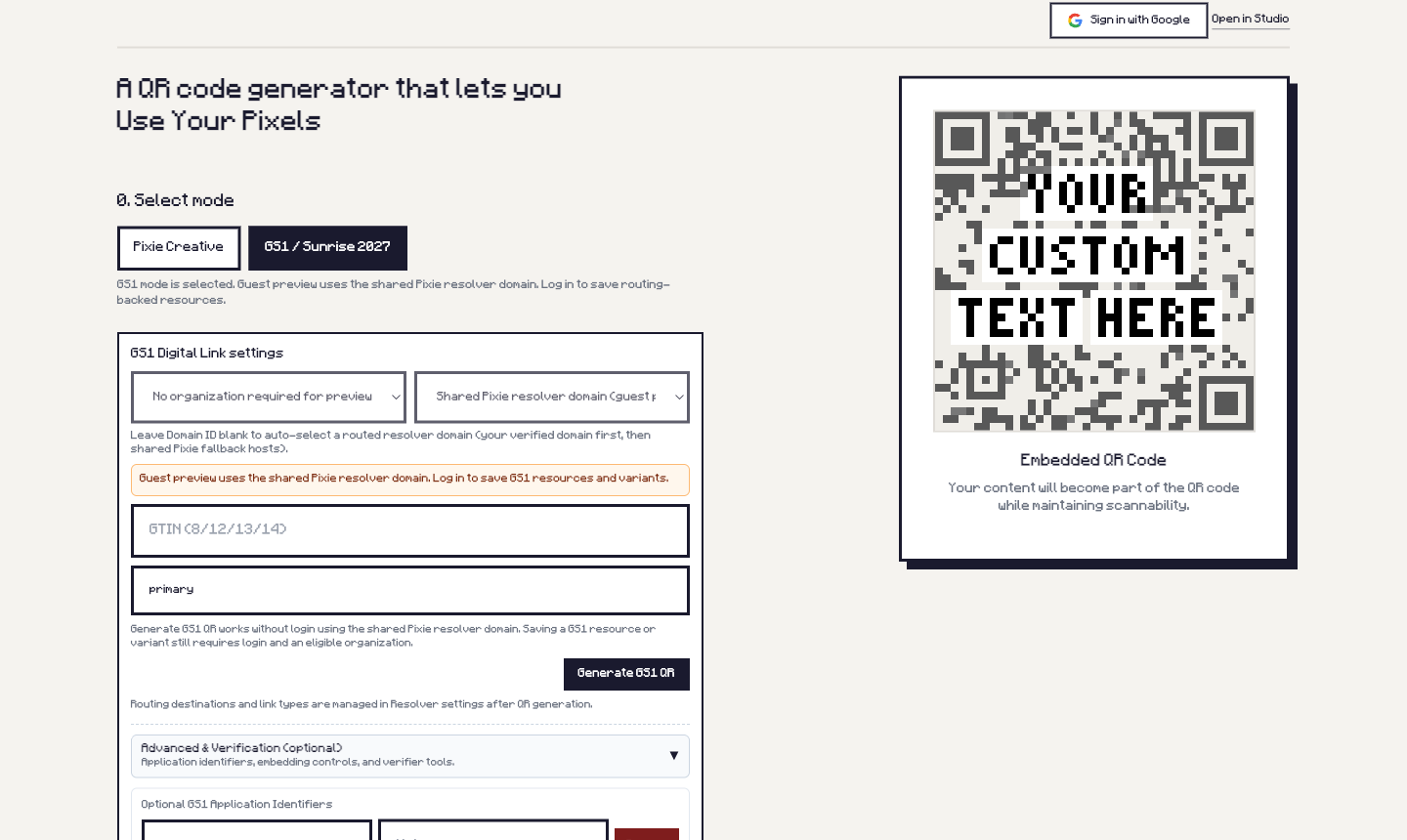
Live pixie.codes GS1 QR generator interface showing GS1 mode, product inputs, and preview panel

The actual GS1 create surface teams use to generate reviewable assets

This is the production UI for GS1 mode: product inputs on the left, live preview on the right, and a direct bridge into verification and rollout workflows.

Launch-safe baseline
Resolver-governed GS1 QR rollout candidate

Resolver-ready candidate for staged rollout

Suitable for first pilot runs where destination control and scan safety matter more than novelty.

Retail-safe direction
Retail-safe GS1 QR baseline

Balanced baseline for first print execution

Start from a conservative variant, prove scan behavior, then expand creative range when evidence supports it.

Design expression and scan reliability should be reviewed together

pixie.codes’ value is helping teams explore more brand-right GS1 QR variants while keeping the scan-safety checks, warnings, and verification artifacts visible.

Fine-grained styling

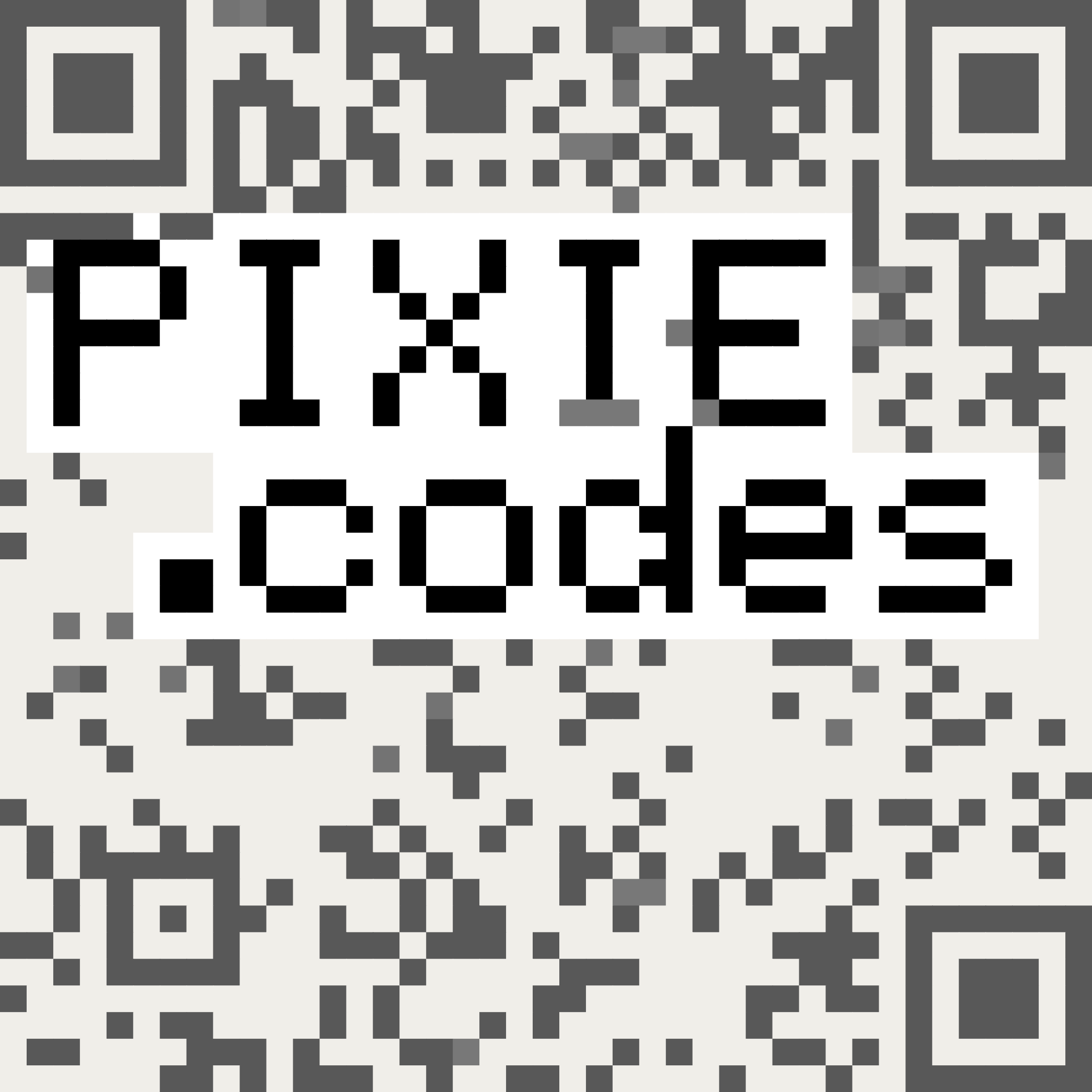
Use layer-aware and pixel-preserved styling without losing the QR safety rails

Template and text layers can be moved, styled, and preserved at fine granularity while structural QR modules and scan-critical constraints stay protected.

Scan confirmation

Keep warnings, simulation, and verification reports in the same path

Scan-safe variants, contrast warnings, simulation checks, and verification reporting help teams decide how far styling can go before the artwork becomes production-bound.

Real-world approval

Review branded output on real packaging, devices, and scanners

Test substrate, glare, size, distance, and retailer conditions so the approval conversation is driven by evidence rather than taste alone.

Typical workflow

This is the shortest safe path from idea to a reviewable GS1 QR asset.

Choose GS1 mode

Start a standards-aware QR workflow built around product identity instead of a generic redirect.

Generate the code

Create a brand-right QR variant that respects packaging constraints and can be reviewed by brand and operations together.

Verify styling and scan risk

Check styling, contrast, quiet zones, warnings, simulation, and verification-report output before the design becomes a production artifact.

Route into rollout

Move the asset into pilot, resolver, and analytics workflows instead of stopping at image export.

Comparison: what you are actually buying

Question Generic QR generator pixie.codes GS1 generator
What is the payload model? A URL to a page or campaign. A GS1-aware QR workflow designed to fit a Sunrise 2027 rollout path.
What happens after print? Usually ad hoc destination changes. A cleaner bridge into resolver governance and analytics continuity.
Who is this built for? Marketing teams needing a quick QR. Brand, packaging, and operations teams managing a standards-driven packaging transition.
How is styling approved? Usually by visual preference and limited preset controls. With layer-aware styling freedom held accountable to scan confirmation checks and verification artifacts.

Frequently asked product questions

Is this only for teams already deep into GS1?

No. This page is for teams that know they need a GS1 QR product path but may still be deciding how formal the broader rollout program should be.

Should we start here or on the pilot page?

Start here if you want hands-on asset creation first. Start on the pilot page if governance, retailer readiness, or internal alignment is the main blocker.

Does this replace the need for resolver strategy?

No. It is the asset creation path. Resolver and Digital Link governance still matter, which is why this page links directly into the software and pilot surfaces.

Can we still use this if we are dual-marking?

Yes. In fact that is the normal prudent path. Most teams should dual-mark during transition and use the generator to create the 2D asset safely.

Can we still make the code look like our brand?

Yes. The point is not to remove design expression. The point is to keep branded QR decisions inside scan-safe constraints, then prove the chosen variant through warnings, verification, and real packaging tests.

Next step

Generate now, or evaluate the broader rollout system first.

Use the self-serve generator if your next task is a real QR asset. If you need the wider control plane, move into the Digital Link software page or the pilot path.